Fleet management software can cover vehicle tracking, fuel, routing, maintenance and costs. Transport manager compliance software focuses on responsibilities, records and follow-up. The categories overlap: some fleet systems offer substantial compliance functions, while others need to work alongside separate tools.
The useful comparison is what your operation needs to control. A live location does not show whether an inspection report has been reviewed. Equally, a compliance diary will not necessarily help a planner reroute a delivery. Compare the work each product can demonstrate, rather than its category name.
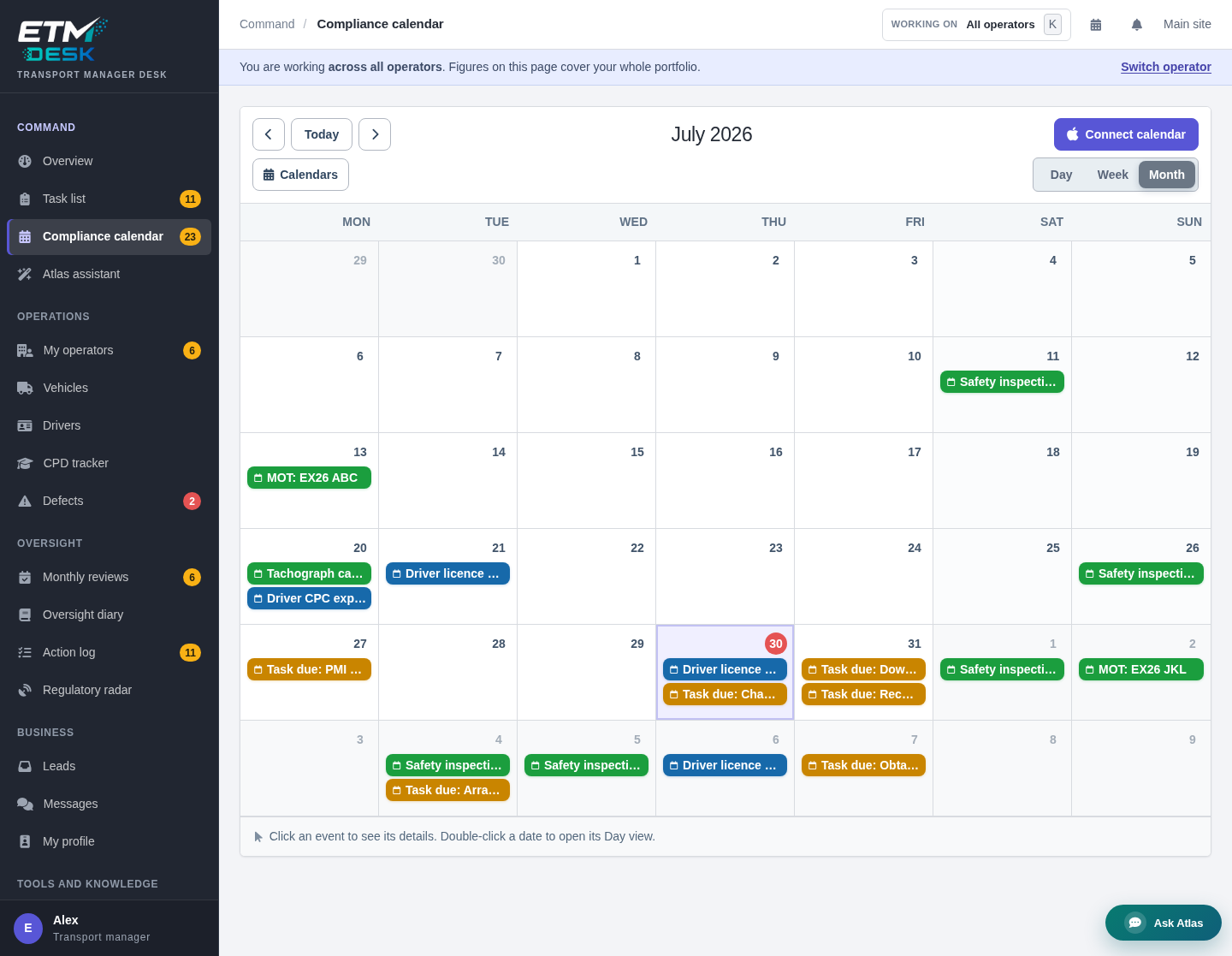
Fleet management or compliance software: a decision matrix
| Your main problem | Capabilities to examine | Evidence to request in a demo |
|---|---|---|
| Uncertain vehicle location or inefficient routing | Tracking, journey history, dispatch and routing | A completed journey and a realistic schedule change |
| Fuel or maintenance costs are hard to explain | Cost reporting, mileage, workshop jobs and supplier records | The transactions behind a vehicle’s reported costs |
| Safety inspection dates or records go missing | Maintenance planning, document links and overdue follow-up | An inspection from booking to report review |
| Defects remain open without clear decisions | Defect reporting, repair evidence and responsibility tracking | A defect’s full history, including unresolved actions |
| Management reviews produce little evidence | Review notes, named action owners and dated completion records | A closed action with its original finding and evidence |
| Several operators need separate oversight | Operator-specific permissions, records and reporting | Separate access for each operator and a permitted overview |
One product may cover several rows. Ask which functions are included, which need another module, and which rely on an external integration. A spreadsheet import is different from a continuing connection that updates both systems reliably.
A worked example: an eight-vehicle operator
Consider a fictional haulier with eight vehicles, an external Transport Manager and an independent maintenance contractor. Its tracking system already gives planners the journey information they need. The problem is that inspection reports arrive by email, defects are discussed by phone, and nobody can easily see which repairs remain unconfirmed.
Replacing tracking would not necessarily solve that problem. The operator should first test whether its existing supplier can support the missing maintenance and review work. If it cannot, a separate compliance system may be appropriate, provided responsibilities and record transfers are clear.
Use a sample defect to test the arrangement. The driver reports it; a responsible person records the action required; the contractor supplies repair evidence; and the person overseeing the process checks that evidence. The demonstration should show who acted, when, and where the supporting records remain. A green status without the underlying documents is not enough.
Decide who controls each record
Before buying, agree where the authoritative vehicle list, inspection schedule, defect history and driver records will be kept. Name the people who can create, amend and review them. If two systems hold the same inspection date, decide how a change reaches the other system and how a failed transfer is detected.
This matters particularly when an external Transport Manager or maintenance contractor changes. The operator needs continued access to its records, with a clear handover rather than dependence on somebody’s personal login. Ask how departed users are removed while their past actions remain identifiable.
Electronic records and management responsibility
The DVSA Guide to Maintaining Roadworthiness discusses electronic maintenance systems and the importance of effective management. Software can organise evidence and highlight work, but a competent person still needs to assess defects, review reports and act on problems.
DVSA’s maintenance investigation questions are useful when considering whether records could be produced and examined. A polished dashboard is less useful than complete, accessible evidence of the work actually carried out.
Test exports and access before signing
- Export a complete sample: include original documents, photographs, dates, comments and action history, not just a summary spreadsheet.
- Check readability: can another person follow the record without a paid login or specialist software?
- Ask about leaving: establish export charges, notice periods, access after cancellation and assistance with migration.
- Confirm retention and recovery: ask how records are retained, backed up and restored, and how errors or changes are recorded.
- Check permissions: demonstrate what a driver, contractor, operator and external Transport Manager can each see or change.
Compare the full cost and a realistic demonstration
Ask for a written quotation showing charges for vehicles, users, operators, modules, hardware, implementation and support where applicable. Confirm contract length and any integration or migration costs. The cheapest headline subscription may exclude the work you most need to manage.
Choose a small set of representative tasks for the demonstration: an overdue inspection, a repaired defect, a driver record update and a monthly review. Use sample data rather than real personal records. Have the people who will use the software assess the steps, then agree who will own setup, training and ongoing checks.
ETM Desk and related buying guides
For current product details, see ETM Desk transport manager software and its pricing page. Confirm the features and access included in your proposed package before deciding.
For more detail, read the transport manager software buyer’s guide, maintenance software for inspections and defects, and operator licence compliance evidence guide.
Frequently asked questions
Is fleet management software the same as compliance software?
The functions can overlap. Compare the maintenance, driver, defect and management-review work each product supports rather than relying on its name.
Can software replace a Transport Manager?
No. Software can support records and follow-up, but it does not replace the person responsible for the transport management role or the operator’s responsibilities.
Do we need two systems?
Not necessarily. First test your current product against the work you need to control. If you add another system, agree which one holds each authoritative record and how information is kept consistent.
Request quotes from UK transport managers and consultants
Send one request through ETM and invite suitable listed providers to respond. Any quotes received are shown in your ETM dashboard and sent by email; responses depend on provider availability. Providers can help with operator licence compliance, DVSA audit preparation, drivers’ hours, maintenance systems and more.